Smartphone Overheating in 2026: Causes, Prevention, and When to Worry
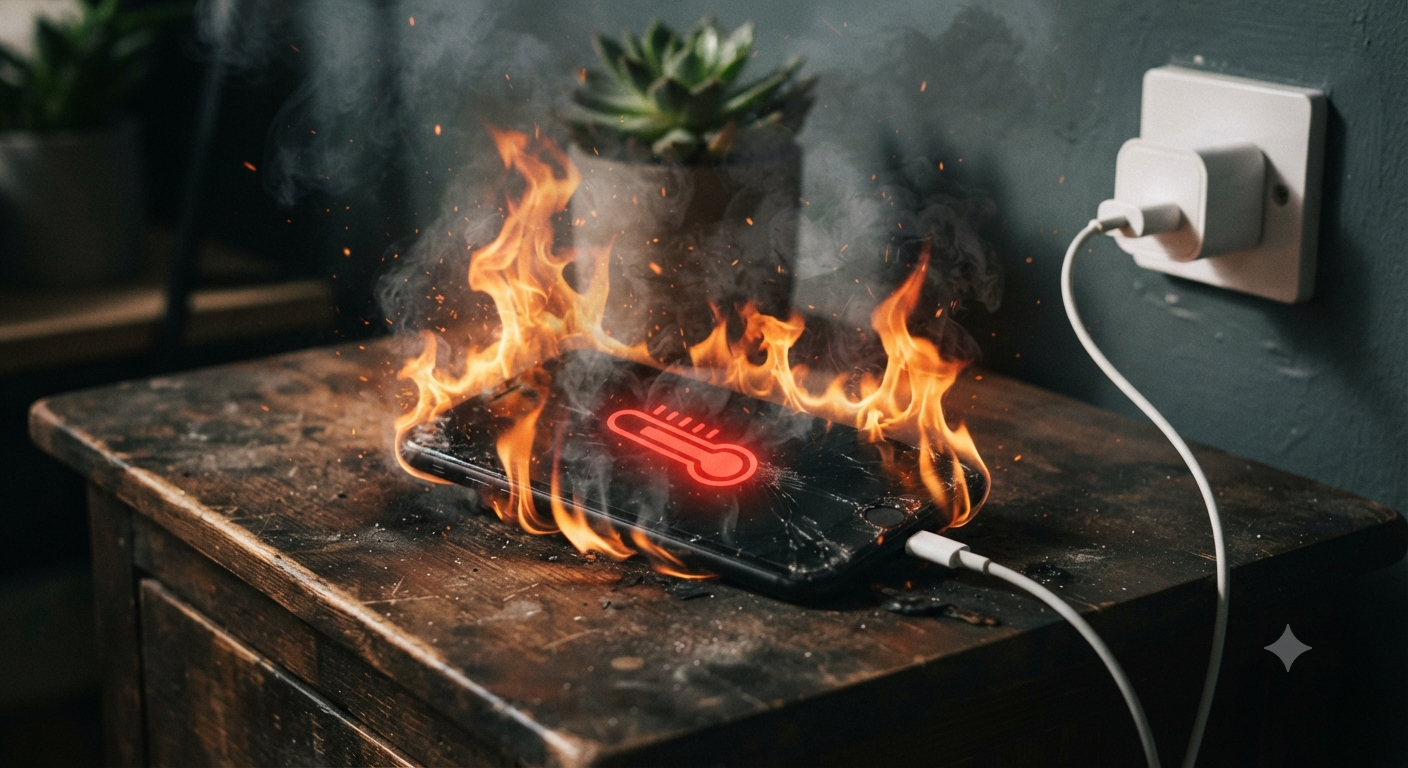
If your smartphone has reached an uncomfortable temperature, you are not alone. Smartphone overheating has become a primary concern in 2026, as high-performance processors and resource-heavy apps push mobile hardware to its limits. But how do you distinguish between normal operating heat and a critical hardware failure?
Understanding what triggers excessive heat is essential to prolong your device's lifespan. In this guide, we explore the root causes of thermal issues and provide actionable steps to keep your phone running cool.
Why Do Smartphones Heat Up Naturally?
It is important to note that warmth is a byproduct of energy consumption. Your CPU and GPU work constantly to process data, and modern mobile devices are engineered to operate safely within a temperature range of 35°C to 43°C during moderate use. If you are streaming high-resolution video or gaming, a slight increase in temperature is expected. For tips on managing system resources efficiently, check our guide on maximizing your mobile professional workflow.
Top 6 Causes of Smartphone Overheating
When the heat becomes persistent even during simple tasks, investigate these common culprits:
- Resource-Intensive Apps: AR apps and 120fps games demand massive CPU/GPU power.
- Degraded Battery Health: Batteries with 800+ charge cycles often have increased internal resistance. You can learn more about maintaining long-term battery health here.
- Non-Certified Chargers: Using low-quality cables or chargers can lead to inefficient power delivery and heat.
- Environmental Factors: Direct sunlight or leaving your device in a hot car can spike internal temperatures rapidly.
- Malware and Background Processes: Hidden processes, such as unauthorized crypto-mining, keep your processor at 100% load.
- OS Optimization: After major updates, your system performs background indexing, which is a common source of temporary heat.
When Should You Worry? (Warning Signs)
Not every warm-up indicates a crisis. However, you should take immediate action if you notice:
- Rapid Battery Drain: The phone loses power even when idle.
- Performance Throttling: Noticeable lag or slow app loading.
- Physical Swelling: A bulging back cover is a severe safety risk.
- Spontaneous Shutdowns: The device turns off to protect internal components.
How to Cool Down Your Device (Quick Checklist)
- Remove the Case: Allow heat to dissipate naturally.
- Close Background Apps: Stop resource-heavy processes immediately.
- Avoid Direct Sunlight: Move your device to a shaded, ventilated area.
- Check Your Battery Stats: If you suspect hardware failure, use professional diagnostic tools.
Conclusion
Monitoring your phone's temperature is key to avoiding permanent hardware damage. If your device frequently exceeds 45°C, it may be time to consult a professional or consider a battery replacement. By following these 2026 best practices, you can ensure your device remains performant for years to come.